
Every major AI image model. One workspace.
Pay per image, not per month.
Your keys, your costs, your
control.
Intel & Apple Silicon · macOS 13+
Pay per image, not per month.
Your keys, your costs, your
control.
Intel & Apple Silicon · macOS 13+
The best image models in history exist right now. What's been missing is a workspace worthy of them — and worthy of you. Expressia is that workspace.
Expressia is native Mac app to generate and manage AI images across models from any major providers with your own API keys.
Generating AI images should feel effortless. Instead it's five chat app tabs, three subscriptions, and a prompt you forgot to save.
GPT Image, Flux, Midjourney, Stable Diffusion, Firefly, Ideogram — all in a single native Mac app. Switch models in one click. Your keys, your costs, your control. Pay for what you use, nothing more.
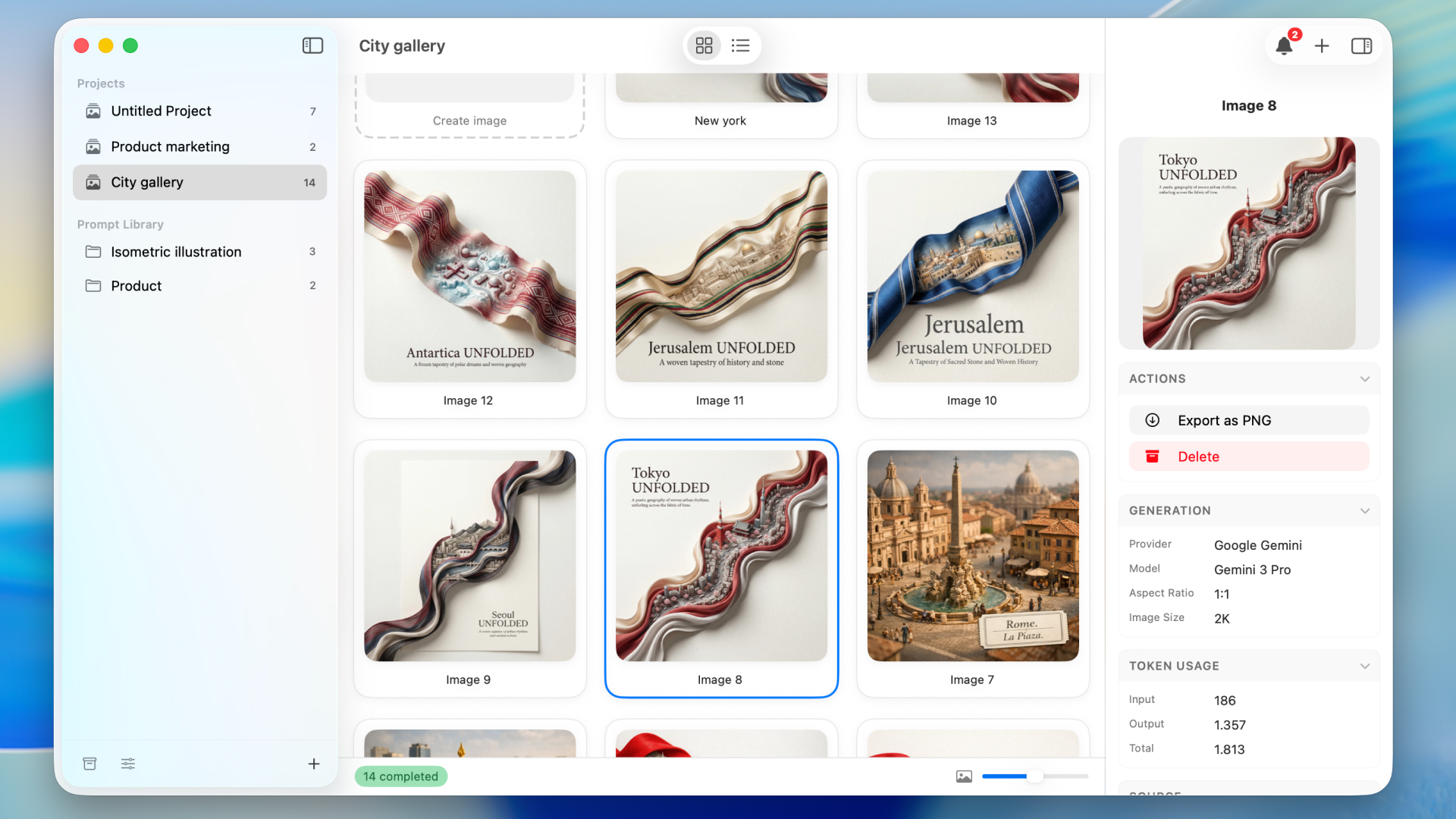
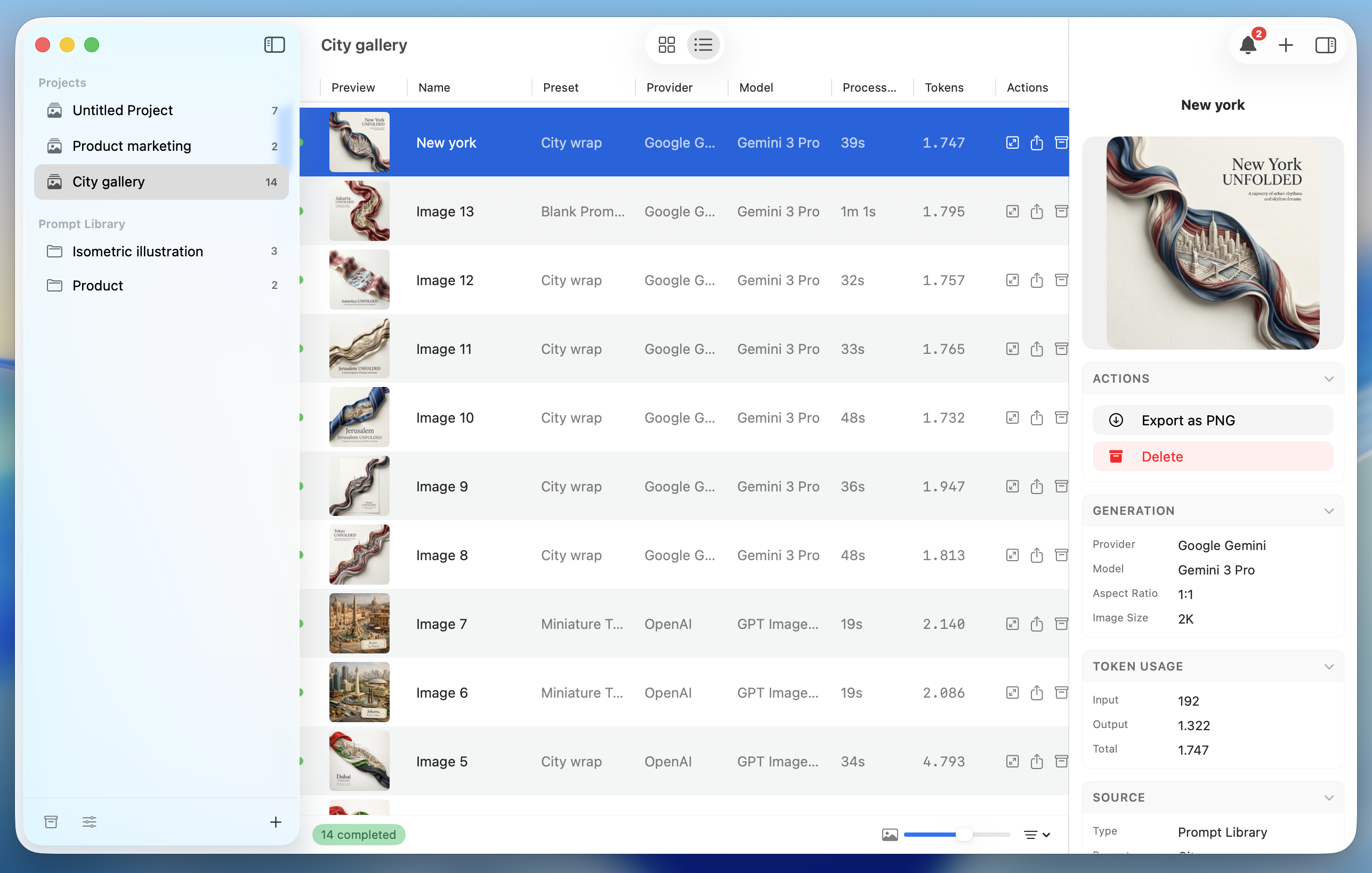
Projects. Folders. Galleries. Every image lives in the right place, ready to find, iterate on, and build from. This is what a real workspace feels like. Not a chat history. A studio.
Built with SwiftUI for Apple Silicon. Global keyboard shortcuts. API keys secured in macOS Keychain. Images on your disk, not someone's server. This app was born on the Mac — and it shows.
We didn't add features to impress you. We added them because professionals need them.
Folders contain projects. Projects contain every image you generate. No chaos. Your work, structured the way you think.
Project view screenshot
Fire multiple generations simultaneously. Smart queue handles rate limits. One-click retry on failure.
Same prompt, every model, all at once. See Flux vs Midjourney vs Ideogram — then pick the winner.
See every request, response, and parameter. Built for developers who need to know exactly what's happening under the hood.
Tokens and dollars, broken down by model and project. No billing surprises. No flying blind on API spend.
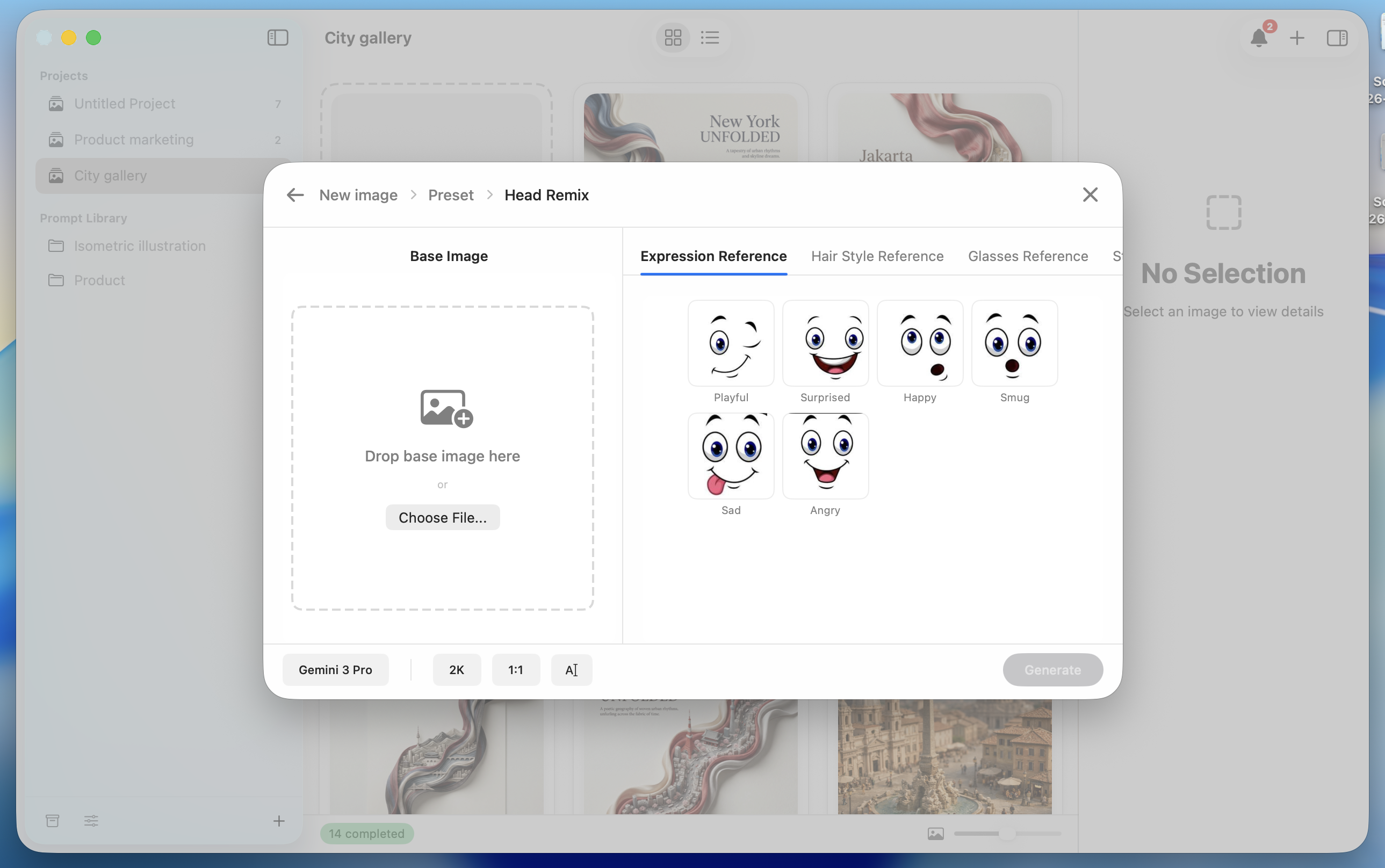
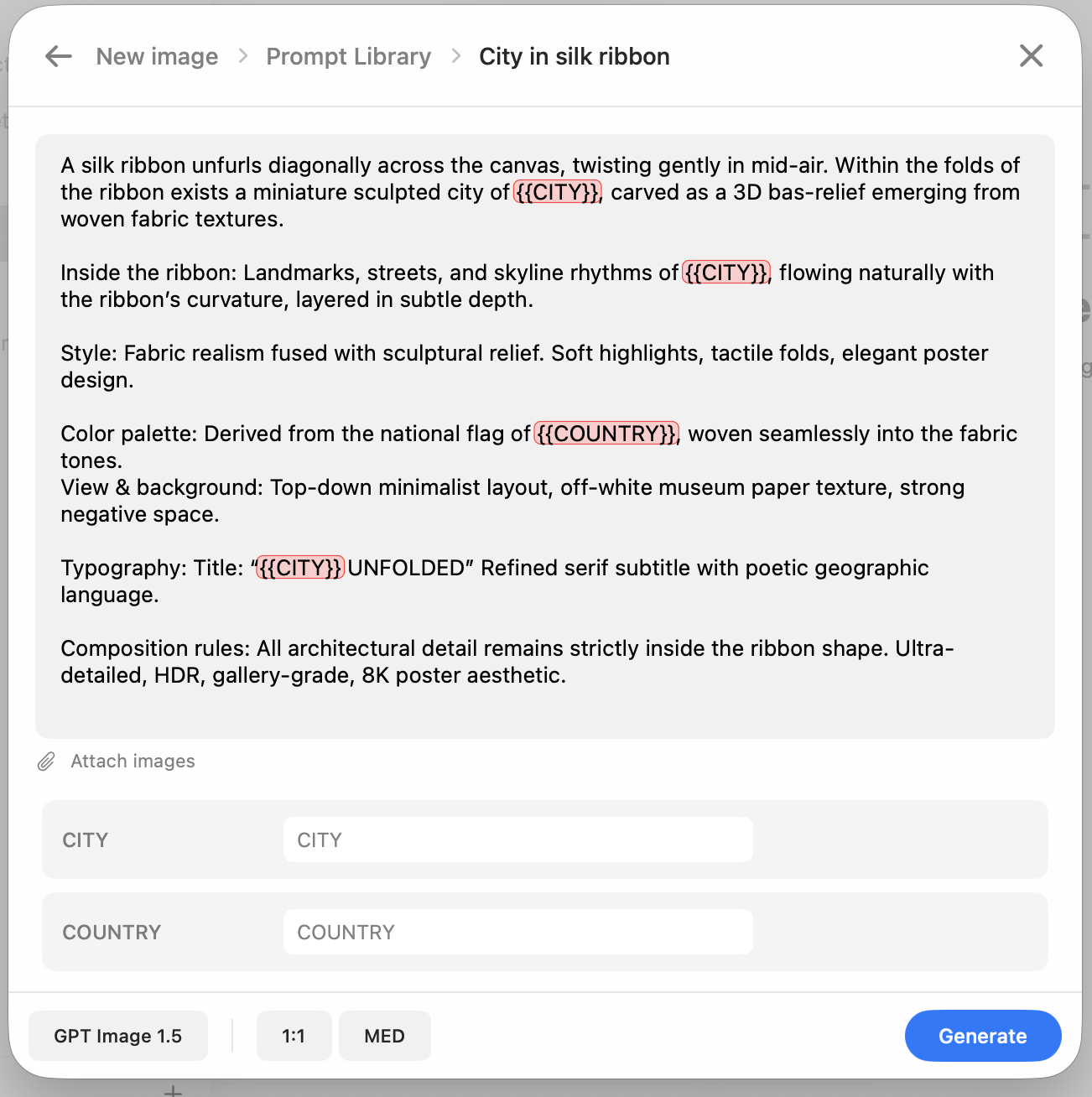
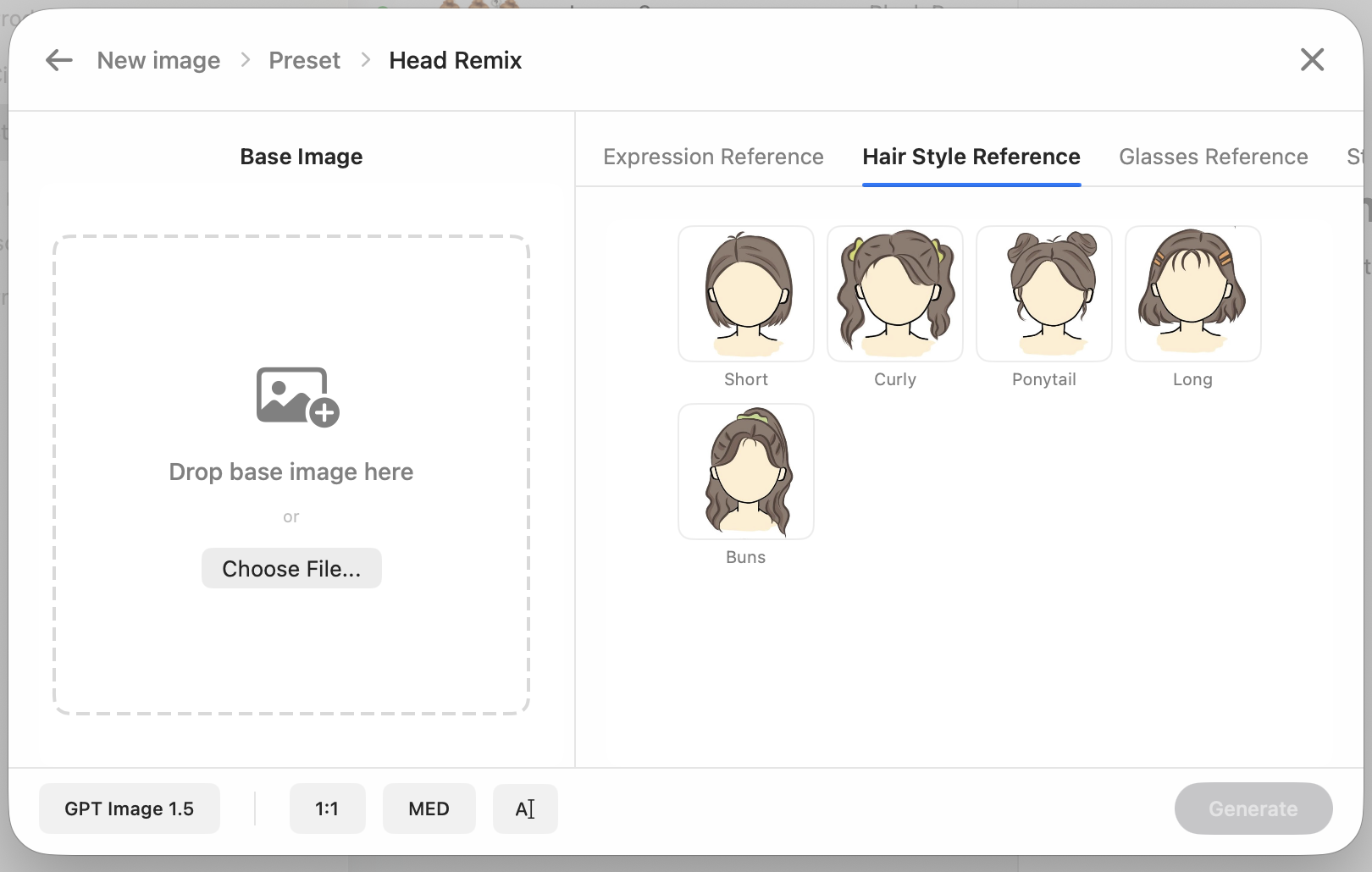
Build a preset. Export it. Share it with your team or the community. Import what others have built. Your workflow becomes a collective asset.
Stored in macOS Keychain — the same secure enclave that protects your passwords. Expressia never uploads them. They never leave your device. Period.
One keystroke from anywhere on your Mac. No browser. No tab switching. No friction. Expressia appears, you create, you get back to work.
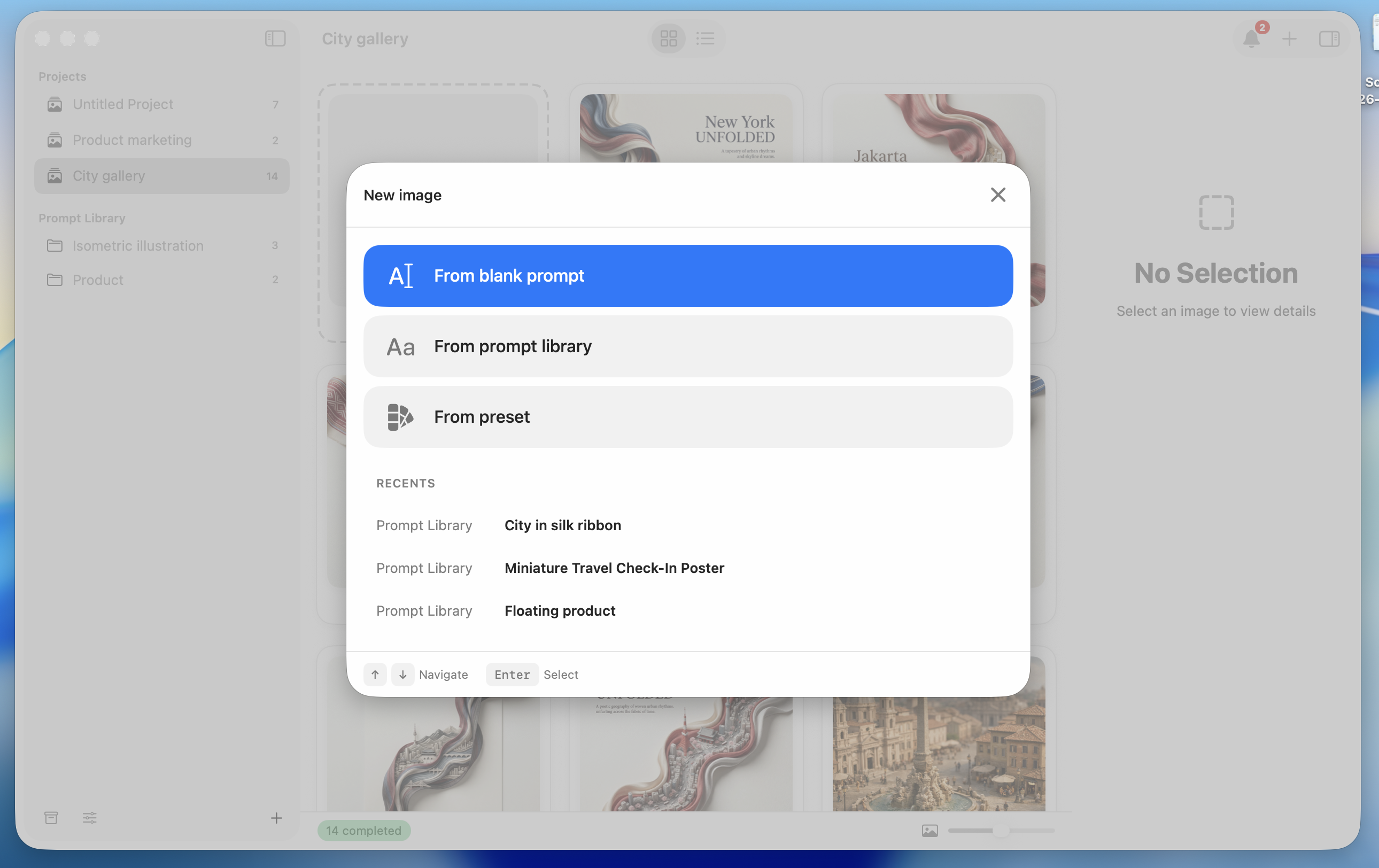
From blank canvas to one-click preset — Expressia grows with how you work.
No setup. No structure. Type what's in your head and generate. The way it should always have felt.
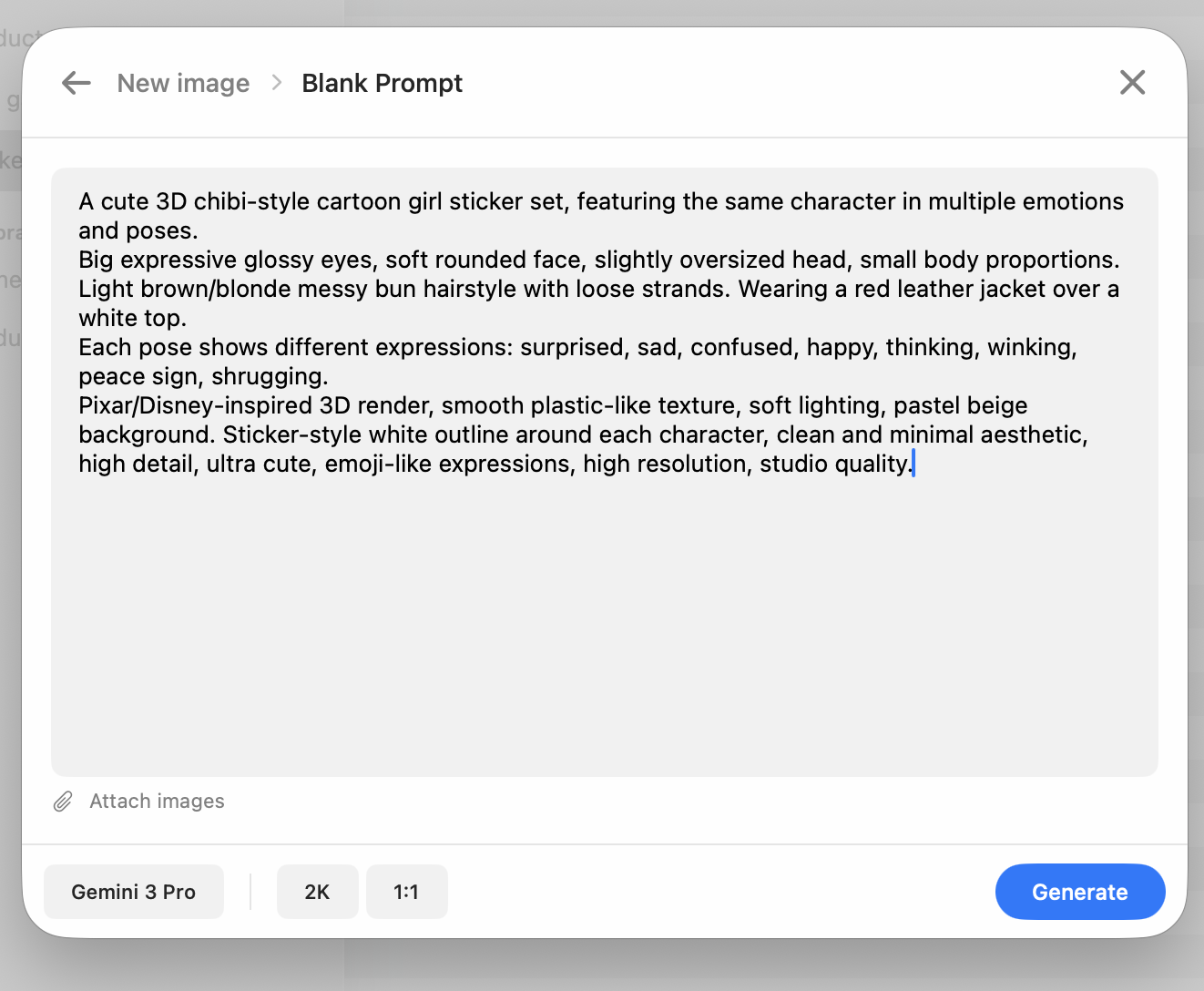
Placeholders like {{style}} become live input fields. Fill them. Generate. Consistent and flexible.
Bundle a template with reference images. Select a preset, pick a reference, generate. Maximum power. Minimum effort.
App screenshot goes here
You know Flux is better for realism, Midjourney for art, Firefly for client-safe assets. But switching costs you an hour a day.
You're building with image APIs and need to test, compare, and iterate fast. Managing keys across providers is time you don't have.
You need volume and speed — product shots, social assets, campaign visuals — every day, across five platforms with five billing accounts.
Start free. Pay once when you're ready. No subscription, ever.
You bring your own API keys from providers like OpenAI, Replicate, or Stability AI. Expressia stores them securely in macOS Keychain and uses them to send generation requests directly from your Mac to each provider — no middleman, no Expressia servers in between. You pay the provider directly at their standard API rates. Expressia is just the workspace.
Calling an image API directly means writing code, managing keys in environment variables, and piecing together your own UI. Expressia gives you a native Mac workspace with prompt templates, parallel generation, side-by-side comparison, and cost tracking — all without writing a single line of code.
ChatGPT and Gemini are chat interfaces that happen to generate images on the side. Expressia is built entirely around image generation — with a workspace designed for it. You get parallel generation across multiple models at once, prompt templates with reusable placeholders, presets that bundle your prompts with reference images, full parameter control, and a cost log that shows exactly what each run costs. You also aren't locked into one model — you can switch between GPT Image, Flux, Midjourney, Stable Diffusion, and others in a single session.
No. Expressia is a one-time purchase. You pay once and own it. The only ongoing costs are your API usage — charged directly by each provider at their standard rates. There are no hidden fees, no seat limits, and no renewal reminders.
Your API keys are stored exclusively in the macOS Keychain — the same secure vault used by Safari, 1Password, and Apple itself. They never leave your device and are never sent to our servers, because we don't have any. Expressia makes API calls directly from your Mac to the provider.
Expressia supports 300+ models across all major providers — including GPT Image 1.5, Flux 2 Pro, Flux Schnell, Midjourney V7, Stable Diffusion 3.5, Adobe Firefly, Ideogram 2.0, Recraft v3, and Imagen 3. New models are added as providers release them.
No. You only need keys for the providers you actually want to use. Add one provider's key and start generating immediately. Add more whenever you want to compare models or access different capabilities. Each provider has their own sign-up and billing.
Expressia requires macOS 13 Ventura or later and runs natively on both Apple Silicon and Intel Macs. No additional software, runtime, or dependencies required.
All generated images are saved locally on your Mac. Expressia does not upload, sync, or store your images on any external server. Your work stays yours, on your machine.